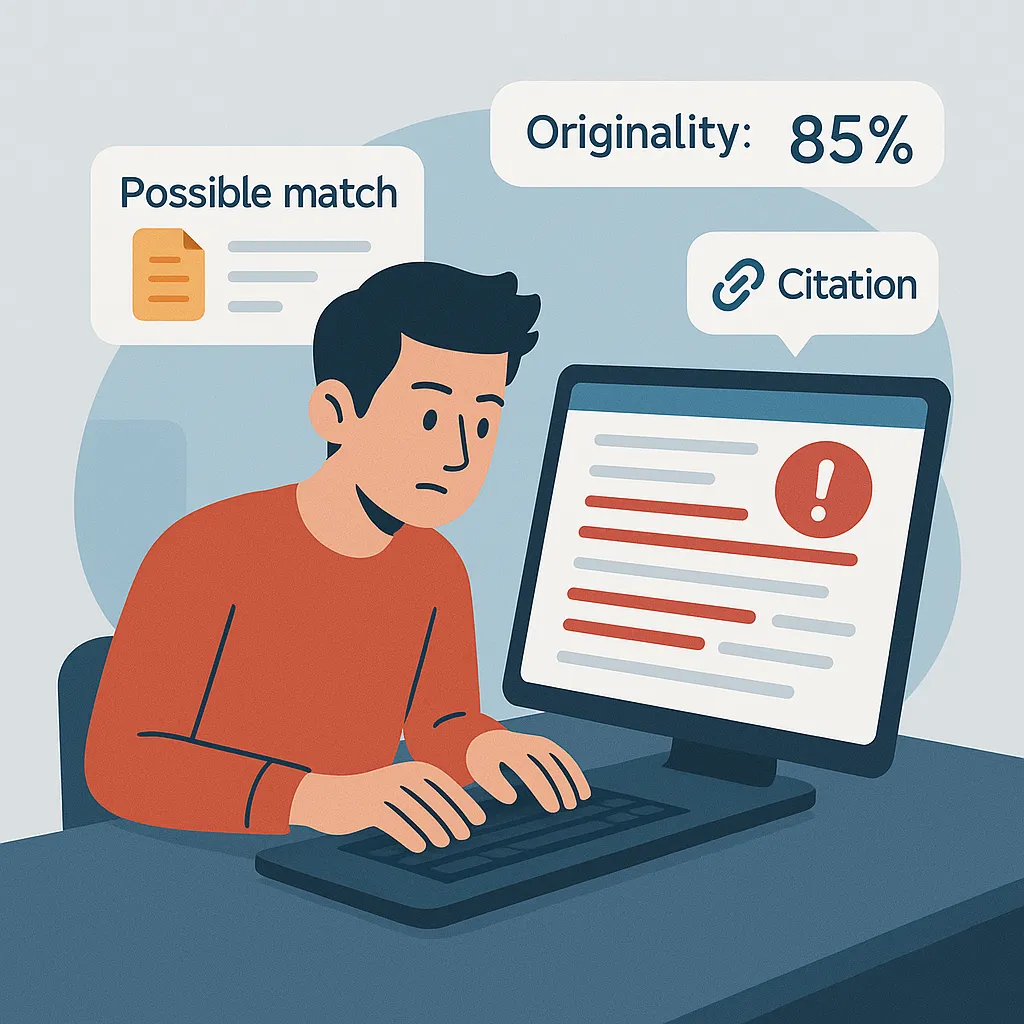
Plagiarism checkers play a critical role in ensuring originality, academic honesty, and content integrity across a wide range of fields. Whether you're a student preparing an assignment, a researcher submitting to a journal, or a writer publishing online content, these tools help identify copied or improperly cited material by scanning billions of documents across the internet and academic databases. In 2026, the best plagiarism checkers go beyond simple word matching — offering side-by-side comparisons, citation guidance, similarity filtering, and clearer reports that help you fix issues quickly rather than just flagging them. Many platforms now pair plagiarism scanning with writing support features like grammar feedback, citation tools, and (in some cases) AI writing indicators, which is increasingly useful for classrooms, publishers, and editorial teams. These tools are available in both free and paid versions, with options tailored for casual users, institutions, and professional content creators. From real-time classroom feedback to editorial review, they support better writing practices and protect against unintentional duplication. This guide compares the most effective plagiarism checkers available today, helping you choose a solution that fits your workflow, whether you're looking for quick scans, in-depth academic-style reports, or seamless integration with tools you already use.
Best Paid Plagiarism Checkers
| Rank | Tool | Strength | Price | Limits |
|---|---|---|---|---|
| #1 | Turnitin | Most trusted in education + similarity reporting | Institutional pricing | Typically only available via schools |
| #2 | iThenticate | Best for journals, publishers, and research submissions | $125 per submission (up to 25,000 words) | Credit-based, higher cost per check |
| #3 | Grammarly Pro | Plagiarism + rewriting and writing support in one | $12/month | Best for drafts, not journal-grade reports |
| #4 | Copyscape Premium | Best for website duplicate-content detection | From $0.03 per search | Designed for web content (not academic databases) |
| #5 | Scribbr Plagiarism Checker | Student-friendly reports with strong source coverage | From $19.95 per document | Pay-per-check (not a subscription) |
Turnitin
Turnitin remains the best-known plagiarism and similarity-checking platform in education, widely used by universities, colleges, and many high schools to uphold academic integrity. It compares submissions against a large set of sources that often includes web content, academic publications, and institutional repositories, then produces a similarity report with highlighted matches and a percentage score. For instructors, the real value is workflow: Turnitin fits naturally into grading and feedback, supports assignment history, and helps educators identify patterns such as reused passages or missing citations. While most individuals can’t purchase Turnitin directly, it’s still the benchmark students are commonly measured against — which is exactly why it holds the top spot for academic use cases in 2026.
iThenticate
iThenticate is built for professional, research, and publishing environments where the stakes are higher than a typical classroom submission. It’s commonly used for manuscript screening, grant submissions, and editorial review because it’s designed around rigorous similarity reporting and academic-style comparisons. You can upload a paper and receive a report that flags overlapping passages, provides source links, and helps authors spot accidental duplication (including common issues like self-plagiarism or reused methods text). The tradeoff is cost: iThenticate’s credit-based pricing makes it better for occasional high-value checks rather than everyday student drafts. If you publish research or submit to journals, it’s one of the most reliable options available.
Grammarly Pro
Grammarly Pro is a strong choice if your goal is to improve writing quality while also reducing accidental plagiarism risks in everyday work. Its plagiarism checks are integrated into a broader writing workflow: grammar and clarity suggestions, tone adjustments, and rewrite tools can help you fix flagged sections quickly rather than leaving you to patch issues manually. That combination makes Grammarly especially useful for students polishing assignments, marketers refining website copy, and teams drafting documentation where originality matters but a journal-style report isn’t required. It’s also convenient across apps (browser, desktop, Docs integrations), so you can check as you write instead of doing a last-minute scan. For many creators, Grammarly Pro offers the best balance of speed, usability, and cost.
Copyscape Premium
Copyscape Premium is the go-to plagiarism checker for web publishers, SEO teams, agencies, and site owners who want to catch duplicated content online. Instead of focusing on academic submissions, Copyscape excels at finding copies of web text across the public internet, making it ideal for blog posts, landing pages, product descriptions, and outsourced writing. The Premium version lets you paste text or upload files, run deeper searches, and scale your process using batch tools or API access. This is especially valuable for websites that rely on search visibility, since duplicate content can undermine credibility and performance. If your primary concern is content uniqueness on the web, Copyscape is one of the most proven tools available.
Scribbr Plagiarism Checker
Scribbr’s plagiarism checker is designed around a straightforward student workflow: upload your document, receive a clear similarity score, and review highlighted overlaps with linked sources to fix citations and wording. It’s popular for essays, theses, and academic writing because it emphasizes confidentiality and produces a report that’s easy to interpret without technical knowledge. Unlike many subscription products, Scribbr uses pay-per-check pricing, which is great for people who only need a few high-quality scans per semester. Many users also like that it’s a “one upload, one report” flow — fast, clean, and focused — making it a strong option for serious academic submissions when you don’t have access to an institutional checker.
Best Free Plagiarism Checkers
| Rank | Tool | Strength | Limitations |
|---|---|---|---|
| #1 | Quetext (Free) | Clean interface + quick plagiarism scan | Limited free word count per check |
| #2 | Scribbr (Free Check) | Student-focused workflow and privacy emphasis | Free check is limited; full report is paid |
| #3 | Copyscape (Free Search) | Fast duplicate-content checks for URLs | Not for full document scanning |
| #4 | Small SEO Tools | Multiple input types supported | Ads and weaker depth vs premium tools |
| #5 | PrePostSEO | Easy checks with file + URL support | Ads, CAPTCHA, and limited reporting depth |
Quetext (Free)
Quetext’s free plagiarism checker is one of the cleanest and most beginner-friendly options for quick originality scans. You paste text into the editor and get an easy-to-read breakdown that highlights overlapping phrases and helps you spot areas that may need citations or rewrites. It’s especially useful for checking short sections like introductions, paragraphs, summaries, or blog snippets before you expand into a full draft. The main limitation is the free word cap per scan, which means it’s best for “spot checks” rather than entire essays or long-form articles. If you want a free tool that feels polished and doesn’t overwhelm you with clutter, Quetext is a strong first pick in 2026.
Scribbr (Free Check)
Scribbr offers a limited free plagiarism check that’s ideal for students who want a quick signal before paying for a full report. The experience is academic-first: upload your document, follow a guided process, and get an initial view that helps you understand whether your paper is likely to raise similarity concerns. This is especially helpful if you’re nearing a submission deadline and want an early warning to tighten citations or paraphrasing. While the full detailed report and deeper features are paid, the free check still provides value as a “sanity check” step in your workflow. If you want something geared toward academic writing rather than SEO content, Scribbr is a solid free starting point.
Copyscape (Free Search)
Copyscape’s free tool is best when your content already exists online and you want to see if it’s been copied elsewhere. Instead of scanning pasted text like most plagiarism checkers, Copyscape Free primarily checks a webpage URL and returns results that match or closely resemble the content. This makes it a practical option for bloggers, site owners, and small businesses who want to monitor duplicate content issues without paying upfront. It’s not a replacement for academic plagiarism reports, and it won’t help much for unpublished essays or drafts sitting in a document. But for quick “is my page being copied?” checks, Copyscape is one of the most useful free tools available.
Small SEO Tools
Small SEO Tools provides a free plagiarism checker with flexible input methods — paste text, upload files, or scan URLs — which is why it remains popular among bloggers, freelancers, and marketers. It’s often used as a quick pre-publish step to catch obvious duplication, repeated phrasing, or accidental copying when working with multiple sources. Because it’s free and ad-supported, the interface can feel busy and the reporting depth is generally lighter than paid academic-grade options. Still, for short-form content and quick checks, it offers a useful “first pass” that can help you avoid publishing content that looks too similar to an existing source.
PrePostSEO
PrePostSEO’s plagiarism checker is a widely used free option for checking essays, blog posts, and web content without creating an account. It supports multiple workflows — direct text input, file uploads, and URL checking — and returns a match percentage with highlighted overlaps so you can quickly identify problem sections. The tradeoff is that it’s built for broad accessibility rather than premium reporting, so you’ll see ads and occasional CAPTCHA prompts, and the depth of sources can vary. For casual users, it’s a reliable free tool to run quick scans before submitting or publishing content. It’s especially helpful when you want a simple, no-login checker that still supports files instead of only copy/paste.
Rankings

Chatbots
AI chatbots have quickly evolved from simple assistants into powerful, multi-purpose tools used by millions of people every day...

Image Generators
AI image generators are revolutionizing the way creatives, marketers, and developers produce visual content by transforming text prompts into detailed, customized...

Writing Assistants
AI writing assistants have become indispensable tools for anyone who writes — from students and bloggers to business professionals and marketers...

Deepfake Detection
As deepfake technology becomes more advanced and accessible, detecting AI-manipulated content is now a critical challenge across journalism, education, law, and...

Productivity & Calendar
AI productivity and calendar tools have become essential for professionals, entrepreneurs, and students looking to make the most of their time without getting overwhelmed...

Natural Language To Code
Natural language to code tools are transforming software development by enabling users to build apps, websites, and workflows without needing advanced programming...
Blog

How AI Actually Works
Understand the basics of how AI systems learn, make decisions, and power tools like chatbots, image generators, and virtual assistants.

What Is Vibe Coding?
Discover the rise of vibe coding — an intuitive, aesthetic-first approach to building websites and digital experiences with help from AI tools.

7 Common Myths About AI
Think AI is conscious, infallible, or coming for every job? This post debunks the most widespread misconceptions about artificial intelligence today.

The Future of AI
From generative agents to real-world robotics, discover how AI might reshape society, creativity, and communication in the years ahead.

How AI Is Changing the Job Market
Will AI replace your job — or create new ones? Explore which careers are evolving, vanishing, or emerging in the AI-driven economy.

Common Issues with AI
Hallucinations, bias, privacy risks — learn about the most pressing problems in current AI systems and what causes them.