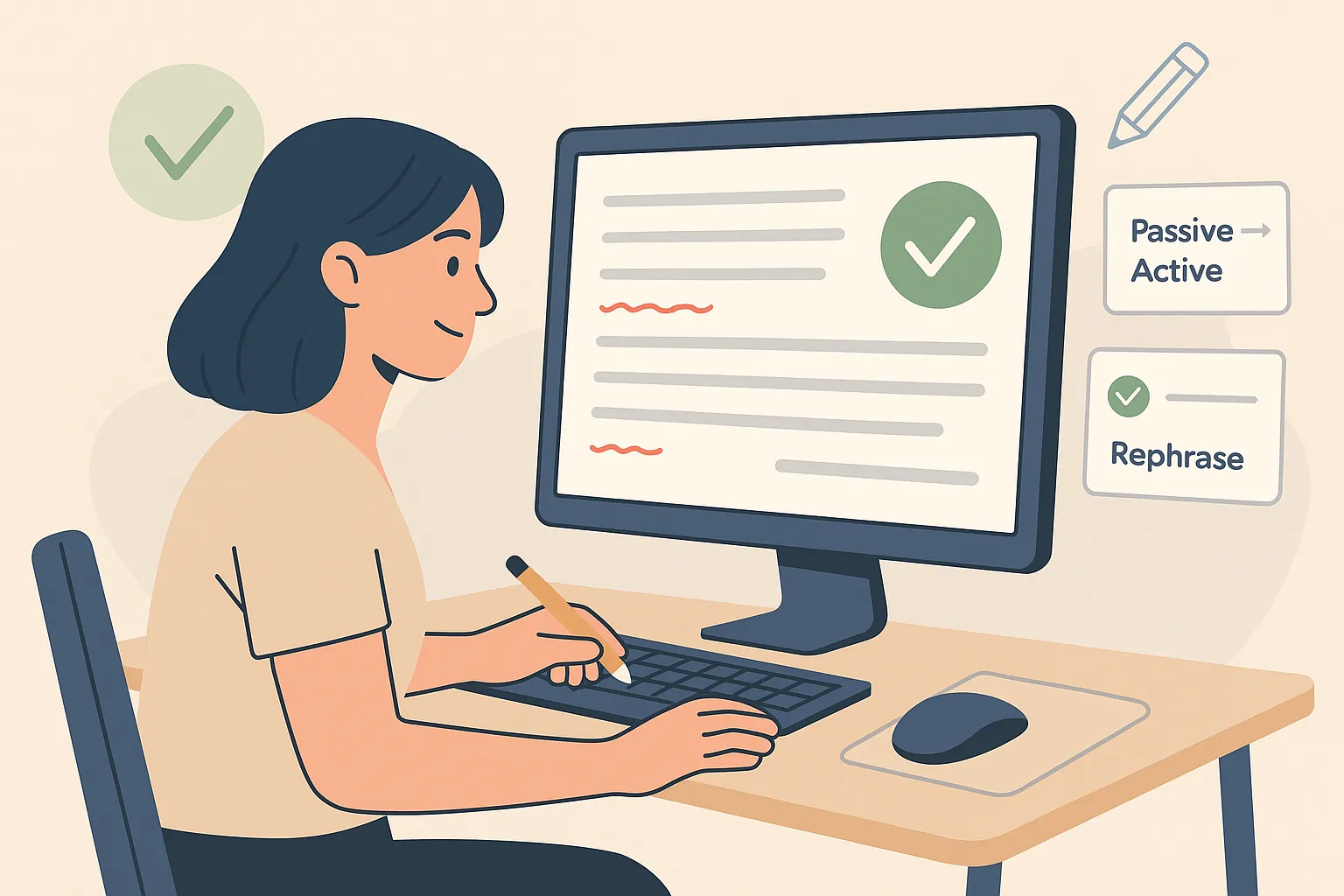
AI grammar tools are essential for anyone aiming to produce clear, accurate, and professional writing in today's fast-paced digital environment. These platforms go far beyond simple spell checkers, offering real-time suggestions for grammar, punctuation, sentence structure, tone, and even style coherence. Whether you're drafting emails, academic papers, business reports, or creative content, AI-powered grammar checkers help ensure your message is polished and effective. They’re especially valuable for non-native English speakers, content creators, students, and teams that require consistent communication across platforms. With features like rephrasing, contextual analysis, multilingual support, and integration into everyday tools like Google Docs or email clients, these grammar assistants are designed to elevate writing quality without slowing down your workflow. This page features the best free and paid AI grammar tools in 2026, selected for their accuracy, usability, and value. Explore the top choices below to find the right tool for improving your writing and communicating with confidence, clarity, and precision.
Best Paid AI Grammar Tools
| Rank | Tool | Strength | Price | Use Case |
|---|---|---|---|---|
| #1 | Grammarly Pro | Best all-around grammar + rewriting | From $12/month | Work, school, everyday writing |
| #2 | ProWritingAid Premium | Deep style reports + narrative editing | From $10/month | Authors, long-form editors |
| #3 | LanguageTool Premium | Multilingual grammar + style guidance | From $4.99/month | International writers & teams |
| #4 | QuillBot Premium | Fast rewriting + grammar cleanup | From $8.33/month | Students, creators, quick edits |
| #5 | Wordtune Premium | Tone-aware rewrites + grammar checks | From $4.89/month | Emails, clarity, professional tone |
Grammarly Pro
Grammarly Pro is one of the most complete AI-powered grammar and style platforms for everyday writing, offering strong corrections for grammar, punctuation, and readability, plus helpful rewrites that improve clarity without losing your intent. It works across the web with browser extensions and integrates smoothly into common workflows like email, documents, and professional messaging. Grammarly also provides tone feedback and sentence-level suggestions that help you sound more confident, concise, or formal depending on what you’re writing. For individuals who want a single tool that reliably catches mistakes and improves phrasing across many writing situations, Grammarly Pro remains the easiest “set it and forget it” option in 2026.
ProWritingAid Premium
ProWritingAid Premium is built for writers and editors who want more than quick fixes. Instead of only flagging mistakes, it provides detailed reports on style, pacing, repetition, readability, sentence variety, transitions, and more — making it especially useful for long-form work like essays, newsletters, scripts, and fiction. It’s strong at identifying patterns that weaken writing over time (overused words, repeated structures, and clunky phrasing) and helps you tighten drafts with targeted suggestions. If your goal is consistently better writing across large documents — not just cleaner grammar — ProWritingAid is one of the best value picks in 2026.
LanguageTool Premium
LanguageTool Premium stands out for multilingual grammar checking and style suggestions, making it a great option for bilingual writers and international teams. It catches advanced grammar and punctuation issues, flags awkward wording, and offers style improvements that help writing sound more natural and professional. LanguageTool supports multiple languages and regional variants, and it works across devices with apps and extensions designed for daily use. Many users also like it for its clean interface and practical suggestions that don’t feel overly aggressive or robotic. If you regularly write in more than one language (or collaborate across regions), LanguageTool Premium is a top-tier grammar assistant in 2026.
QuillBot Premium
QuillBot Premium is a popular choice for fast, practical improvements — especially when you need to rephrase sentences, fix grammar quickly, or reduce repetition in drafts. While it’s best known for rewriting, its grammar correction features help clean up punctuation, phrasing, and common errors, making it useful for students, content creators, and professionals polishing short-to-medium pieces. Premium unlocks stronger modes and higher limits, so you can work through longer documents without constantly running into caps. If you want an editing tool that combines grammar cleanup with fast rewrites and simplification, QuillBot remains a strong all-in-one option in 2026.
Wordtune Premium
Wordtune Premium focuses on helping you sound more natural and confident, pairing grammar checks with rewriting that’s designed for tone, clarity, and intent. It’s especially helpful for professional communication — emails, customer replies, proposals, and short-form writing where “how it sounds” matters as much as correctness. Wordtune’s rewrite options make it easy to switch between more formal, more casual, more concise, or more detailed language while keeping the core meaning intact. For people who already write fairly well but want their writing to feel smoother, clearer, and more polished with minimal effort, Wordtune Premium is an excellent grammar-plus-style tool in 2026.
Best Free AI Grammar Tools
| Rank | Tool | Strength | Limitations | Notes |
|---|---|---|---|---|
| #1 | Grammarly (Free) | Reliable grammar + spelling basics | Fewer rewrites and advanced style tools | Best “everyday” free checker |
| #2 | LanguageTool (Free) | Strong multilingual grammar checking | Lower limits + fewer premium suggestions | Great for bilingual writing |
| #3 | QuillBot Grammar Checker (Free) | Quick corrections + clean interface | Best features reserved for Premium | Good for short drafts |
| #4 | DeepL Write (Free) | Fluent rewrites + grammar polishing | Fewer workflow integrations | Excellent for natural phrasing |
| #5 | Microsoft Editor (Free) | Solid grammar checks in a simple tool | Advanced features require Microsoft 365 | Easy for web + Office users |
Grammarly (Free)
The free version of Grammarly is one of the most dependable “baseline” grammar tools you can use in 2026, covering spelling, grammar, and punctuation for common writing tasks. It catches the most frequent errors quickly and works well for short-to-medium writing like emails, school assignments, and social posts. Grammarly Free is also easy to adopt because it’s available as a browser-based experience and is commonly used alongside Google Docs and email clients. While you won’t get the full rewriting and advanced style features found in paid plans, it’s still a strong first pass that helps you avoid obvious mistakes and clean up everyday writing with minimal effort.
LanguageTool (Free)
LanguageTool’s free plan is a standout option for multilingual grammar checking, offering helpful corrections across many languages and regional variants. It’s especially useful if you switch between languages or write for international audiences, since it can catch common grammar and punctuation issues that standard English-first tools miss. The free tier is best for shorter text checks and quick edits, and it’s often enough for students, travelers, and everyday writers who want fast feedback without paying. If you’re looking for a free tool that still feels “serious” — particularly outside of English — LanguageTool is one of the best choices available.
QuillBot Grammar Checker (Free)
QuillBot’s free grammar checker is a convenient option when you want a quick cleanup pass on a paragraph, email, or short draft. It focuses on practical corrections — grammar, spelling, and punctuation — and is easy to use without a steep learning curve. The free version works well for fast edits, especially when you’re polishing writing before submitting it or sending it out. While QuillBot’s strongest rewriting modes and higher limits are part of Premium, the free grammar checker still delivers real value as a lightweight tool for catching mistakes and improving readability in short-form content.
DeepL Write (Free)
DeepL Write is a free writing companion that helps refine grammar, wording, and overall fluency — and it’s particularly good at making text sound natural rather than “correct but stiff.” It suggests improved phrasing, fixes grammar and punctuation errors, and can help you adjust tone for clearer professional communication. Many writers use it as a second opinion after a basic grammar pass because it often catches awkward phrasing and offers cleaner alternatives. While it doesn’t have as many integrations as some dedicated grammar suites, it’s an excellent free option for improving clarity and polish, especially if your main goal is sounding fluent and professional.
Microsoft Editor (Free)
Microsoft Editor’s free grammar checker is a simple, accessible way to improve spelling and grammar, especially if you already work in Microsoft’s ecosystem. It provides clear suggestions for common writing errors and helps you tighten up sentences without overwhelming you with too many options. It’s a solid pick for everyday writing like emails, documents, and general web content — particularly when you want fast corrections with minimal setup. Advanced refinements and more sophisticated style suggestions are typically tied to Microsoft 365, but the free checker still covers the basics well and can be a reliable backup tool for quick proofreading in 2026.
Rankings

Chatbots
AI chatbots have quickly evolved from simple assistants into powerful, multi-purpose tools used by millions of people every day...

Image Generators
AI image generators are revolutionizing the way creatives, marketers, and developers produce visual content by transforming text prompts into detailed, customized...

Writing Assistants
AI writing assistants have become indispensable tools for anyone who writes — from students and bloggers to business professionals and marketers...

Deepfake Detection
As deepfake technology becomes more advanced and accessible, detecting AI-manipulated content is now a critical challenge across journalism, education, law, and...

Productivity & Calendar
AI productivity and calendar tools have become essential for professionals, entrepreneurs, and students looking to make the most of their time without getting overwhelmed...

Natural Language To Code
Natural language to code tools are transforming software development by enabling users to build apps, websites, and workflows without needing advanced programming...
Blog

How AI Actually Works
Understand the basics of how AI systems learn, make decisions, and power tools like chatbots, image generators, and virtual assistants.

What Is Vibe Coding?
Discover the rise of vibe coding — an intuitive, aesthetic-first approach to building websites and digital experiences with help from AI tools.

7 Common Myths About AI
Think AI is conscious, infallible, or coming for every job? This post debunks the most widespread misconceptions about artificial intelligence today.

The Future of AI
From generative agents to real-world robotics, discover how AI might reshape society, creativity, and communication in the years ahead.

How AI Is Changing the Job Market
Will AI replace your job — or create new ones? Explore which careers are evolving, vanishing, or emerging in the AI-driven economy.

Common Issues with AI
Hallucinations, bias, privacy risks — learn about the most pressing problems in current AI systems and what causes them.