AI automation is revolutionizing how individuals and businesses handle repetitive tasks, streamline operations, and scale productivity. Instead of manually switching between apps, handling data entry, or managing client communications, automation platforms powered by artificial intelligence can perform these functions reliably and efficiently. Whether you're a startup founder, marketer, solo freelancer, or operations manager, these tools can help eliminate bottlenecks and reduce time spent on routine tasks. From no-code workflow builders to advanced AI integrations, automation solutions now enable smarter decision-making, real-time responses, and seamless system coordination without complex programming. Many tools even offer AI-enhanced features like intelligent triggers, custom logic, and predictive actions, allowing you to focus on higher-value strategic work. This guide highlights the best free and paid AI tools for automating everything from marketing and customer support to backend operations and team collaboration. If you’re looking to optimize workflows and scale intelligently in 2025, the right AI automation tool can make all the difference.
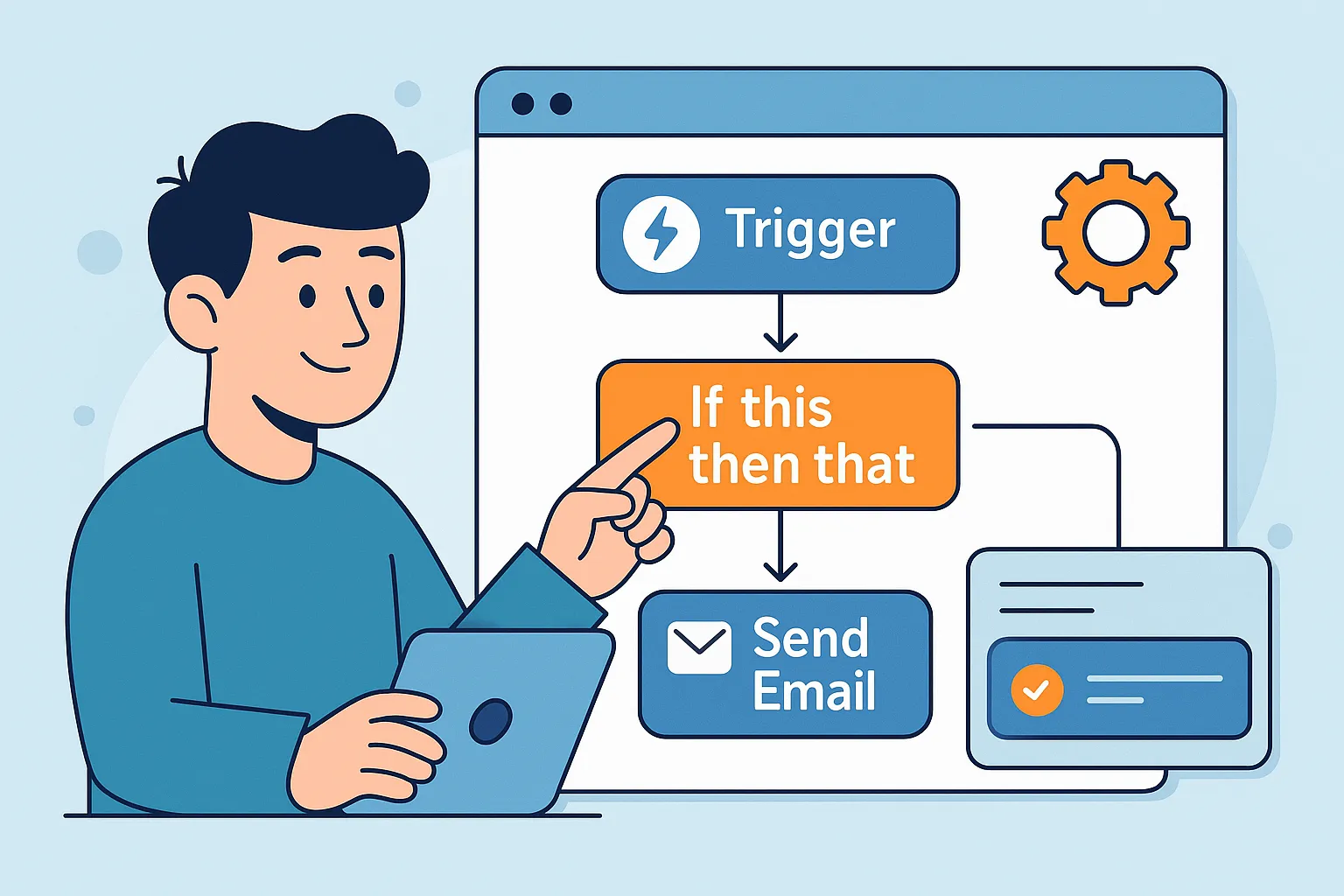
Top Paid AI Automation Tools
| Rank | Tool | Key Strength | Price | Best Use Case |
|---|---|---|---|---|
| #1 | Zapier | AI-assisted workflows across 8,000+ apps | From $19.99/month | Business process automation at scale |
| #2 | Make | Visual no-code automation with advanced logic | From $9/month | Multi-step workflows + integrations |
| #3 | n8n (Cloud) | Developer-friendly automation with flexible hosting | From ~$22/month | Teams that need control + customization |
| #4 | Microsoft Power Automate | Enterprise automation + Copilot-ready workflows | From $15/user/month | Microsoft 365 and enterprise operations |
| #5 | UiPath | RPA + agentic automation for complex processes | From $25/month | Desktop + document-heavy automations |
Zapier
Zapier remains one of the most reliable “connect everything” automation platforms, and by February 2026 it’s even more useful for AI-powered workflows. You can chain together multi-step automations across thousands of apps, then add AI steps for summarization, classification, data cleanup, drafting replies, or routing requests. Zapier’s strength is speed-to-value: non-technical users can build serious automations quickly, while advanced users can add filters, paths, webhooks, and structured data tools. It’s ideal for automating repetitive business processes like lead handling, support triage, content workflows, and internal ops.
Make
Make is a powerhouse for visual, no-code automation when you need more control than typical “trigger-action” tools. Its scenario builder makes it easy to create branching logic, iterators, routers, and error handling while connecting thousands of apps. In 2026, Make is a strong choice for AI automation because it supports prompt-driven steps, structured data flows, and fine-grained scheduling. It’s excellent for teams that want to automate across marketing, operations, analytics, and customer support—especially when workflows require complex conditions, data transformations, and multi-step integrations that would otherwise require custom development.
n8n (Cloud)
n8n is a favorite for builders who want automation that feels closer to “real development,” without losing the speed of a node-based workflow editor. The cloud version gives you managed hosting, while still keeping the platform highly customizable—great for creating internal tools, backend pipelines, and AI-driven processes that call APIs, databases, or custom code steps. In 2026, n8n also stands out for teams that care about control (data handling, advanced logic, and deployments). If you’re building automations that go beyond simple app-to-app syncing, n8n is one of the most scalable choices.
Microsoft Power Automate
Power Automate is the go-to automation layer for Microsoft-heavy environments, especially for teams living inside Microsoft 365, Teams, SharePoint, Outlook, and the broader Power Platform. It supports cloud flows, approvals, connectors, and RPA capabilities, making it a strong fit for automating enterprise workflows like HR processes, finance routing, compliance checklists, and internal request handling. With Copilot-era features shaping how users build and manage workflows, Power Automate also reduces the time needed to create automation logic. If your company relies on Microsoft systems, this is often the most practical and secure automation platform to standardize on.
UiPath
UiPath is built for automation that goes beyond web apps—especially when you need reliable robotic process automation (RPA) for desktop software, legacy tools, structured forms, and document-heavy workflows. It’s widely used for automating back-office operations like invoice processing, data extraction, report generation, and system-to-system transfers that don’t have clean APIs. In 2026, UiPath also emphasizes agentic and AI-enhanced automation, helping teams combine RPA with intelligent decision-making. It’s best for organizations that want durable, enterprise-grade automation across both modern SaaS tools and older systems that still power critical operations.
Top Free AI Automation Tools
| Rank | Tool | Key Strength | Limitations | Best Use |
|---|---|---|---|---|
| #1 | Zapier (Free Plan) | Quick app-to-app automation starter kit | Low task limits + fewer premium features | Simple personal workflows |
| #2 | Make (Free Plan) | Visual workflows with solid free credits | Usage caps + slower scheduling intervals | Prototyping automations before upgrading |
| #3 | n8n (Self-Hosted) | Open-source automation with full control | Requires hosting + basic setup | Power users and small teams |
| #4 | Activepieces (Free) | Modern automation with AI agents and predictable limits | Fewer integrations than long-established platforms | Lightweight business automations |
| #5 | IFTTT | Fast, beginner-friendly “if-this-then-that” automations | Limited advanced logic + business features | Personal productivity and smart-device workflows |
Zapier (Free Plan)
Zapier’s free plan is one of the easiest ways to start automating tasks across popular apps with minimal setup. It’s best for simple workflows like sending notifications, copying form entries into spreadsheets, or creating lightweight personal systems that save time every day. While the free tier comes with strict task limits and fewer advanced features, it’s still a great way to validate automation ideas before committing to a paid plan. If you’re new to automation and want something that “just works,” Zapier’s free option is a strong starting point.
Make (Free Plan)
Make’s free plan gives you hands-on access to one of the most powerful visual workflow builders available. You can prototype multi-step automations, connect a wide range of apps, and test logic like routing, filtering, and data formatting—all before spending anything. The biggest trade-off is usage limits (credits and scheduling constraints), but it’s excellent for learning automation design and validating real workflows. For creators and small teams who want more logic control than basic automation tools, Make’s free tier is one of the best “try before you buy” options.
n8n (Self-Hosted)
n8n’s self-hosted option is ideal if you want maximum control over data, workflows, and customization while keeping costs low. Because it’s open-source, you can run automations on your own server and build advanced flows that include API calls, database operations, custom code steps, and integrations tailored to your stack. The main downside is setup: you’ll need hosting and a bit of technical comfort to manage deployments and updates. For power users, indie builders, and small teams that want flexibility without per-task pricing, self-hosted n8n can be a game changer.
Activepieces (Free)
Activepieces is a modern automation platform that’s gaining traction as a simpler, more predictable alternative for teams that want automation without the complexity of enterprise tools. Its free option is especially useful for building practical workflows like routing leads, syncing data between apps, generating AI-assisted summaries, or triggering actions from webhooks. While it doesn’t match the “thousands of integrations” footprint of older platforms, it moves fast and focuses on usability—making it a strong pick for lightweight business automations. If you want an approachable automation layer that still supports AI-driven steps, it’s worth testing.
IFTTT
IFTTT (If This Then That) is a classic entry point into automation: quick, simple, and easy to understand. It’s best for personal workflows such as syncing notifications, saving content, triggering smart-device actions, or creating basic cross-app routines. While it isn’t built for complex business operations or deep AI logic, it excels at “set it and forget it” automations that reduce daily friction. If you want fast results with minimal configuration—especially for personal productivity or smart home routines—IFTTT remains one of the most accessible free automation tools.
Rankings

Chatbots
AI chatbots have quickly evolved from simple assistants into powerful, multi-purpose tools used by millions of people every day...

Image Generators
AI image generators are revolutionizing the way creatives, marketers, and developers produce visual content by transforming text prompts into detailed, customized...

Writing Assistants
AI writing assistants have become indispensable tools for anyone who writes — from students and bloggers to business professionals and marketers...

Deepfake Detection
As deepfake technology becomes more advanced and accessible, detecting AI-manipulated content is now a critical challenge across journalism, education, law, and...

Productivity & Calendar
AI productivity and calendar tools have become essential for professionals, entrepreneurs, and students looking to make the most of their time without getting overwhelmed...

Natural Language To Code
Natural language to code tools are transforming software development by enabling users to build apps, websites, and workflows without needing advanced programming...
Blog

How AI Actually Works
Understand the basics of how AI systems learn, make decisions, and power tools like chatbots, image generators, and virtual assistants.

What Is Vibe Coding?
Discover the rise of vibe coding — an intuitive, aesthetic-first approach to building websites and digital experiences with help from AI tools.

7 Common Myths About AI
Think AI is conscious, infallible, or coming for every job? This post debunks the most widespread misconceptions about artificial intelligence today.

The Future of AI
From generative agents to real-world robotics, discover how AI might reshape society, creativity, and communication in the years ahead.

How AI Is Changing the Job Market
Will AI replace your job — or create new ones? Explore which careers are evolving, vanishing, or emerging in the AI-driven economy.

Common Issues with AI
Hallucinations, bias, privacy risks — learn about the most pressing problems in current AI systems and what causes them.