The Complete Beginner’s Guide to AI Tools: What They Are and How to Use Them
Introduction: What Are AI Tools?
If you’ve heard people talking about Artificial Intelligence (AI) tools but aren’t exactly sure what that means, you’re not alone. AI software is everywhere right now — from writing assistants to image generators, coding copilots to customer service bots — but the landscape can feel overwhelming at first.
In simple terms, AI tools are software applications powered by machine learning models that can generate, analyze, summarize, predict, or automate tasks based on data. Instead of following rigid instructions like traditional programs, they learn patterns from massive datasets and use that knowledge to respond intelligently.
This guide will walk you through everything you need to know as a beginner — what AI tools actually do, the different categories available, how to choose the right one, and how to start using them safely and effectively.
Whether you're a student, business owner, freelancer, developer, or just curious, this article will help you understand the modern AI ecosystem — without technical jargon or hype.
1. How AI Tools Actually Work (In Plain English)
Most modern AI tools are powered by Large Language Models (LLMs) or other specialized machine learning systems. These models are trained on vast amounts of text, images, audio, or code so they can recognize patterns and generate responses.
When you type a prompt into an AI chatbot, the model predicts what words are most likely to come next based on patterns it learned during training. When you generate an image, the model predicts what visual elements match your description.
There are two key phases behind the scenes:
- Training: The AI learns from large datasets.
- Inference: The AI generates responses based on what it learned.
You don’t need to understand the math or architecture (like Transformer models) to use AI effectively. But knowing that AI predicts patterns — rather than “thinking” like a human — helps set realistic expectations.
2. The Main Categories of AI Tools
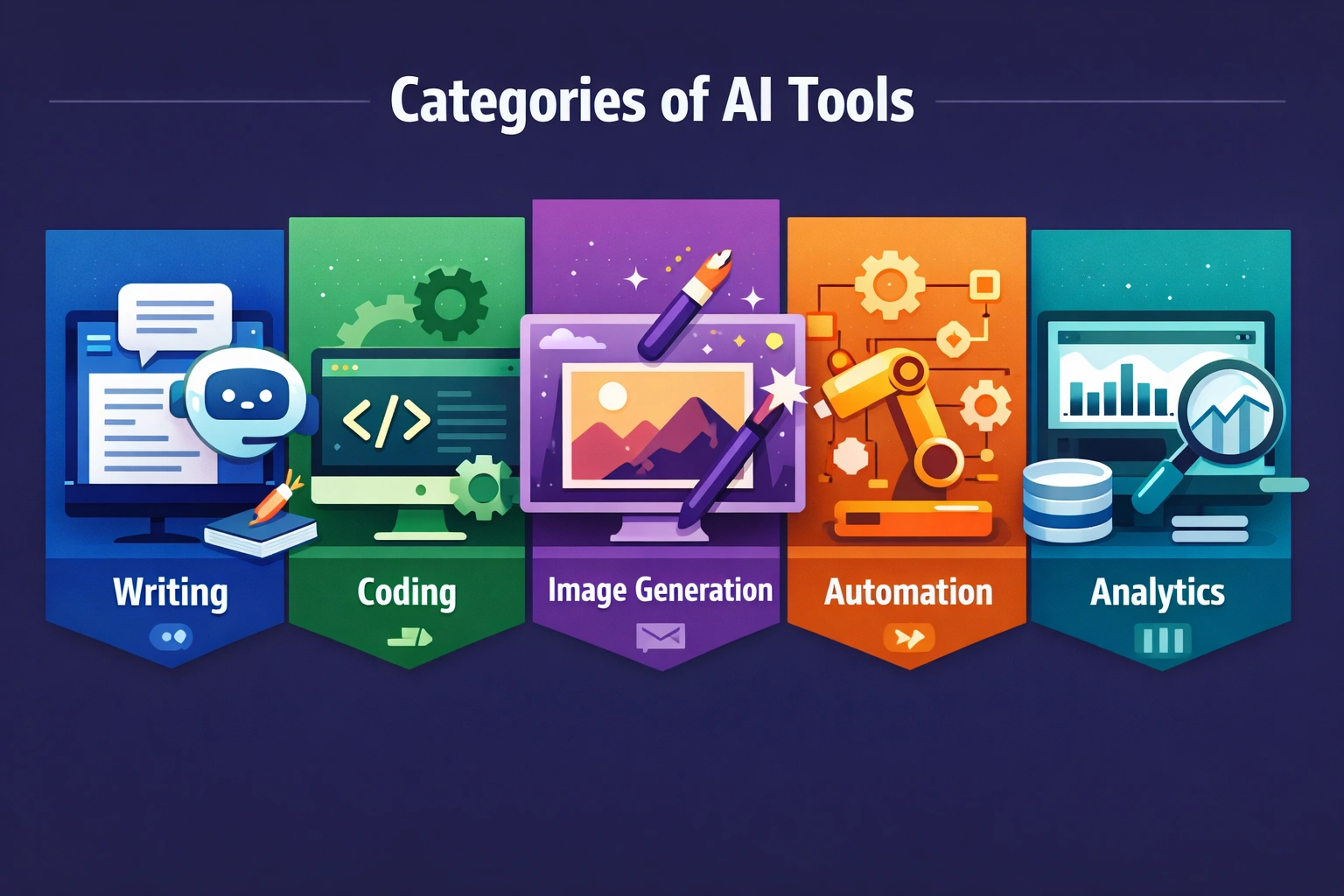
AI tools fall into several major categories. Understanding these categories makes it much easier to choose the right tool for your needs.
AI Writing Tools
These tools help with blog posts, emails, essays, product descriptions, and more. They use generative AI to create natural language content quickly.
Explore our AI writing tool rankings to compare the best options.
AI Image Generators
Image tools create visuals from text prompts. Many use diffusion models to turn written descriptions into artwork, illustrations, or realistic photos.
AI Coding Assistants
These tools suggest code, explain functions, debug errors, and even generate entire components. They act like an AI pair programmer inside your IDE.
AI Automation Tools
Automation tools combine AI with workflow systems to eliminate repetitive tasks. Think smart email sorting, auto-generated meeting summaries, or intelligent CRM tagging.
AI Business & Analytics Tools
These tools analyze data, predict trends, detect anomalies, and assist with decision-making using predictive modeling.
Each category serves different goals. Beginners often start with writing or productivity tools because they deliver immediate value.
3. Free vs Paid AI Tools: What’s the Difference?
Many AI platforms offer free tiers, but understanding the limitations is important.
Free Tools Typically Include:
- Limited usage per day or month
- Slower response times
- Fewer advanced features
- Restricted access to premium models
Paid Tools Often Provide:
- Priority access to newer models
- Higher usage limits
- Advanced integrations
- Team collaboration features
If you’re experimenting or learning, free tools are usually enough. If you rely on AI professionally — for content, development, or business automation — upgrading often makes sense.
4. How to Choose the Right AI Tool as a Beginner
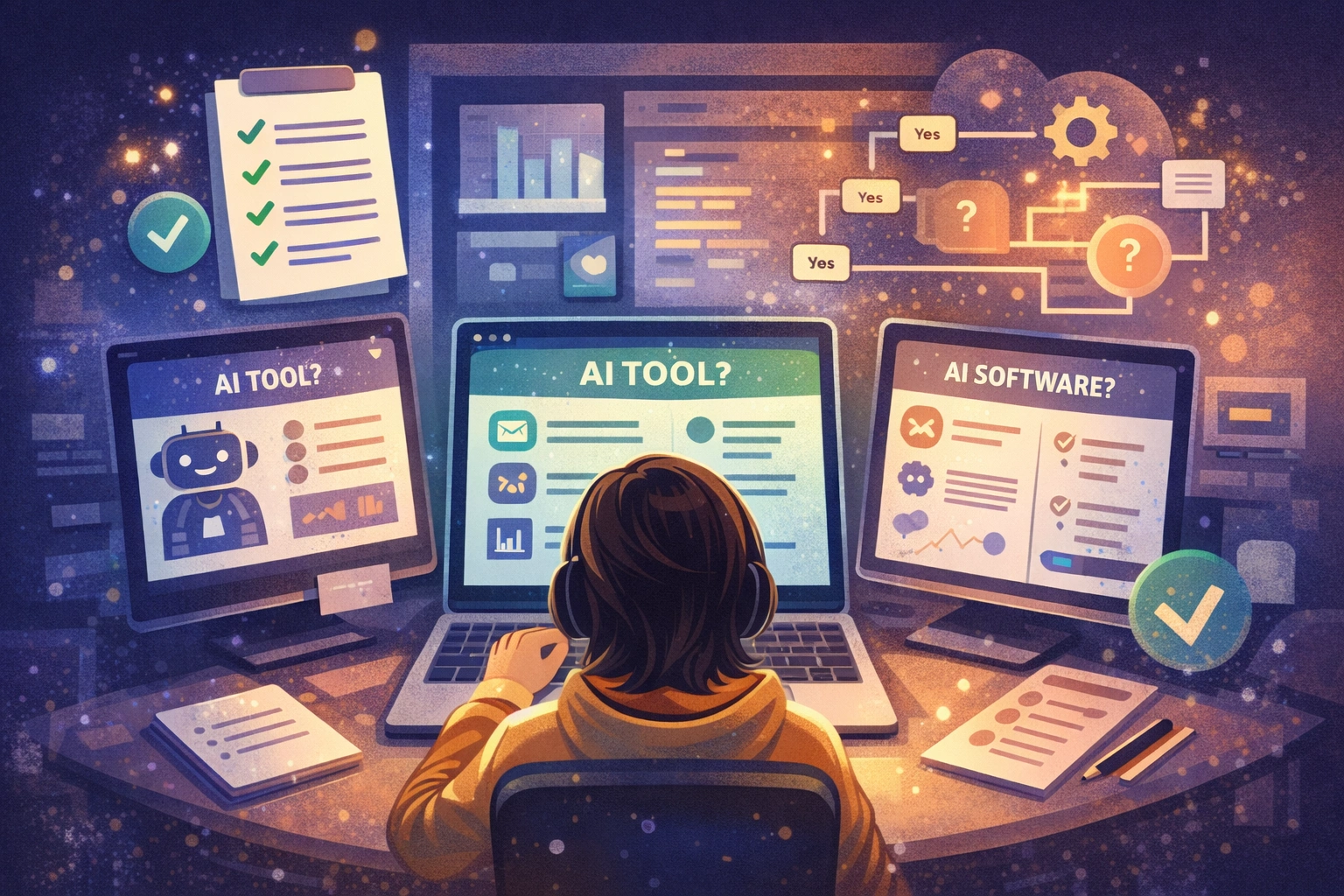
Choosing the right AI tool depends on clarity of purpose. Ask yourself:
- What problem am I trying to solve?
- Is this a one-time task or daily workflow?
- Do I need collaboration features?
- What’s my budget?
Also consider:
- Ease of use
- Learning curve
- Integration with your existing tools
- Privacy policies and data handling
Many beginners make the mistake of chasing the most hyped tool rather than the most appropriate one. The best AI software isn’t always the most powerful — it’s the one that fits your workflow.
5. Common Beginner Mistakes with AI Tools
AI tools are powerful — but they’re not magic. Here are mistakes beginners often make:
- Expecting perfect accuracy every time
- Ignoring hallucination risks
- Uploading sensitive data without checking policies
- Using vague prompts
- Relying entirely on AI without editing output
AI works best as a collaborator — not a replacement for human judgment.
6. The Future of AI Tools

AI tools are evolving rapidly. We’re moving toward systems that are more multimodal, meaning they can understand text, images, video, and audio together.
We’re also seeing growth in personalization, smarter AI agents, and deeper integration into everyday software.
The future isn’t about replacing humans — it’s about augmenting productivity and creativity. The people who learn how to work alongside AI will have a major advantage.
7. Final Thoughts: Start Small, Stay Curious
You don’t need to master AI overnight. Start small.
Pick one tool. Test it for a week. Learn how to write better prompts. Experiment with different outputs. Understand its strengths and weaknesses.
The AI landscape can look intimidating at first — but once you understand the categories and basics, it becomes much easier to navigate.
The most important step is simply starting.
Because the future of work, creativity, and productivity is already being shaped by AI tools — and now you know how to use them.